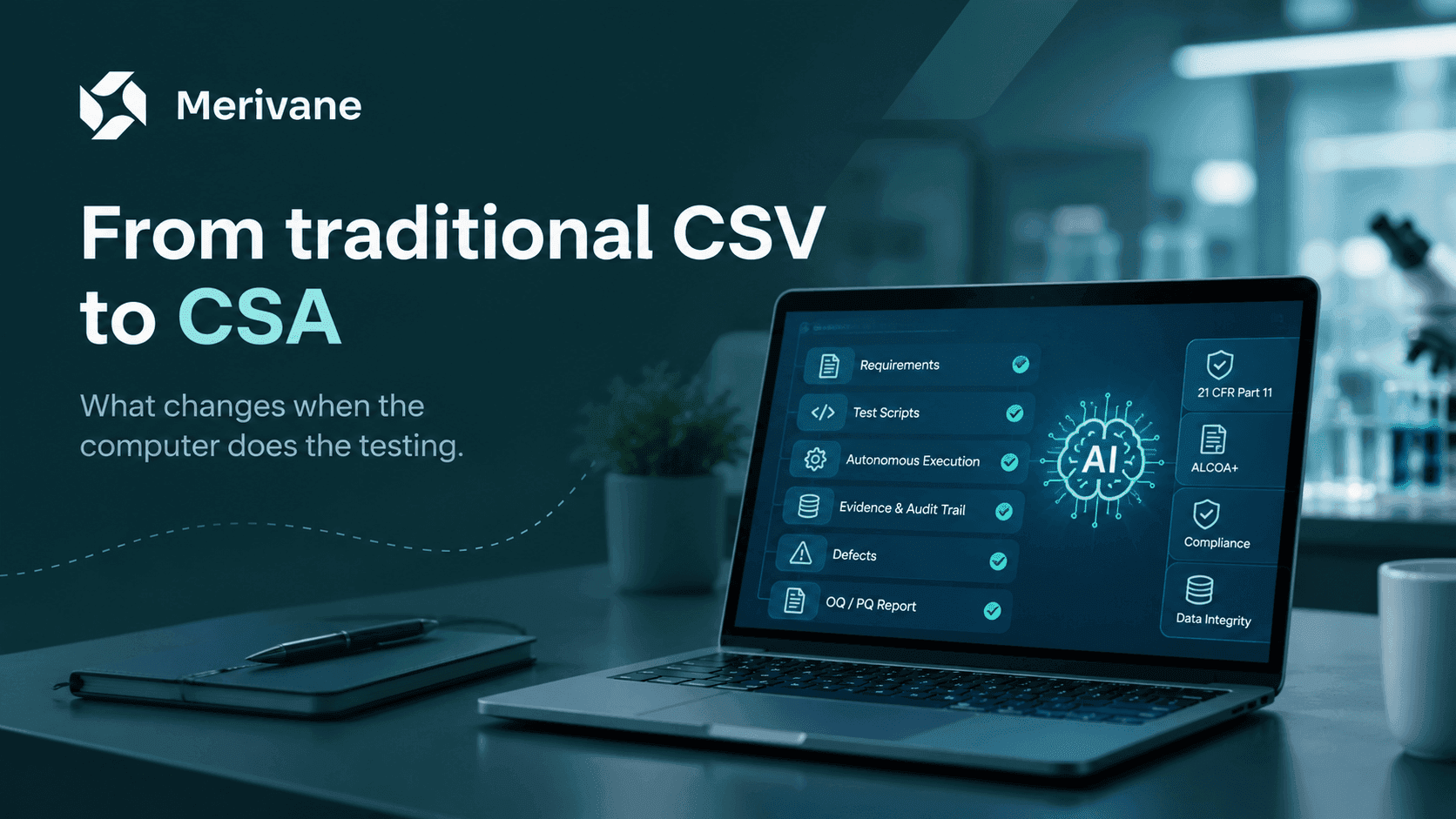
For two decades, computer system validation in life sciences has meant one thing: produce documents. The FDA's Computer Software Assurance guidance changes the question from "did you document it?" to "did you get assurance?". This post explains what changes, what does not, and where an automated validation engine fits.
Why the shift
Traditional CSV grew out of the 1990s. Software was installed on site, changed rarely, and was tested by hand. The safe response to regulatory risk was to write everything down: protocols, scripted test cases, screenshots for each step, and a summary report. Over time, the documents became the goal. Teams spent more hours on the paperwork than on the question the paperwork was meant to answer: does this system do what we need it to do, safely?
The FDA saw the effect. Validation was slow and expensive, so companies delayed upgrades and kept old systems in service. That is the opposite of what a regulator wants. In September 2022 the FDA issued its final guidance, Computer Software Assurance for Production and Quality System Software. It replaces the general validation section of the 2002 software validation guidance for those systems.
The guidance does not lower the bar. It moves the effort. Time that went into scripts and screenshots for low-risk features now goes into critical thinking about where the real risk is.
What CSA changes
CSA is a risk-based approach. It starts with one question for each software feature: if this feature fails, can it harm patient safety or product quality? The answer decides how much assurance you need and what kind of testing gives it.
- Intended use first. You define what the software is used for, then assess the risk of each feature against that use. Features not used in a regulated process get little or no testing.
- Assurance is scaled to risk. High-process-risk features still get scripted testing. Lower-risk features can use unscripted testing, ad-hoc testing, or exploratory testing. The FDA accepts these methods.
- Vendor work counts. If a vendor has tested a feature and you can show that, you can rely on it instead of repeating the test.
- The record is the minimum needed. For unscripted testing, the record can be a short summary: what was tested, who tested it, when, the result, and any issues found. A screenshot per click is not required.
| Aspect | Traditional CSV | CSA |
|---|---|---|
| Focus | Compliance. Prove the process was followed. | Assurance. Show the software is fit for its intended use. |
| Test design | Scripted test cases for most features, whatever the risk. | Scripted for high risk. Unscripted or ad-hoc for lower risk. |
| Documentation | Full protocols, step-by-step evidence, summary reports. | Least burdensome record that supports the assurance decision. |
| Evidence | Screenshot for each step. | Evidence proportional to risk. Summary records accepted. |
| Effort | Most hours go into documents. | Most hours go into risk analysis and testing that matters. |
The paperwork was never the point. The point is confidence that the system works, on the features that can cause harm.
The one-line version of the CSA guidance
What stays the same
CSA changes how much you test and how you record it. It does not change the rules that apply to the records you keep.
21 CFR Part 11
Electronic records and electronic signatures still have to meet Part 11. A signature still has to be bound to the signer, the time, and the meaning of the signature. If you approve a test summary electronically, that approval is a Part 11 signature.
Audit trail
Records that support a quality decision still need a secure, time-stamped audit trail. If a test result changes after the fact, the trail has to show who changed it, when, and what the value was before.
Evidence integrity
Less evidence is not the same as weak evidence. The evidence you do keep has to be attributable, legible, contemporaneous, original, and accurate. The ALCOA+ principles apply to a one-page summary in the same way they apply to a 200-page protocol.
For high-risk features, most teams keep scripted tests and full evidence. CSA lets you decide where that is necessary. It does not tell you to drop it everywhere.
Where an automated validation engine fits
There is a natural objection to CSA. If scripted testing is expensive, teams will call more features "low risk" than they should. The guidance depends on honest risk assessment, and cost pressure works against honesty.
An automated validation engine removes most of that pressure. When the computer writes the scripts, runs them on the system under test, and captures the evidence, the cost of scripted testing drops. You no longer have to choose between assurance and budget. You can apply scripted testing wherever the risk analysis says it is needed and let the engine do the execution.
This changes the role of the validation team. In the old model, the team writes and executes. In the new model, the team decides and reviews:
- Define intended use and assess risk per feature. This is human work and stays human.
- Approve the test scripts the engine proposes for the high-risk features. Edit where the engine misreads a requirement.
- Let the engine run the scripts on a test account. Watch, and take over when a step needs judgement.
- Review the defects, the traceability, and the assembled report. Sign under Part 11.
Critical thinking goes up. Manual clicking goes down. That is the outcome the CSA guidance asks for.